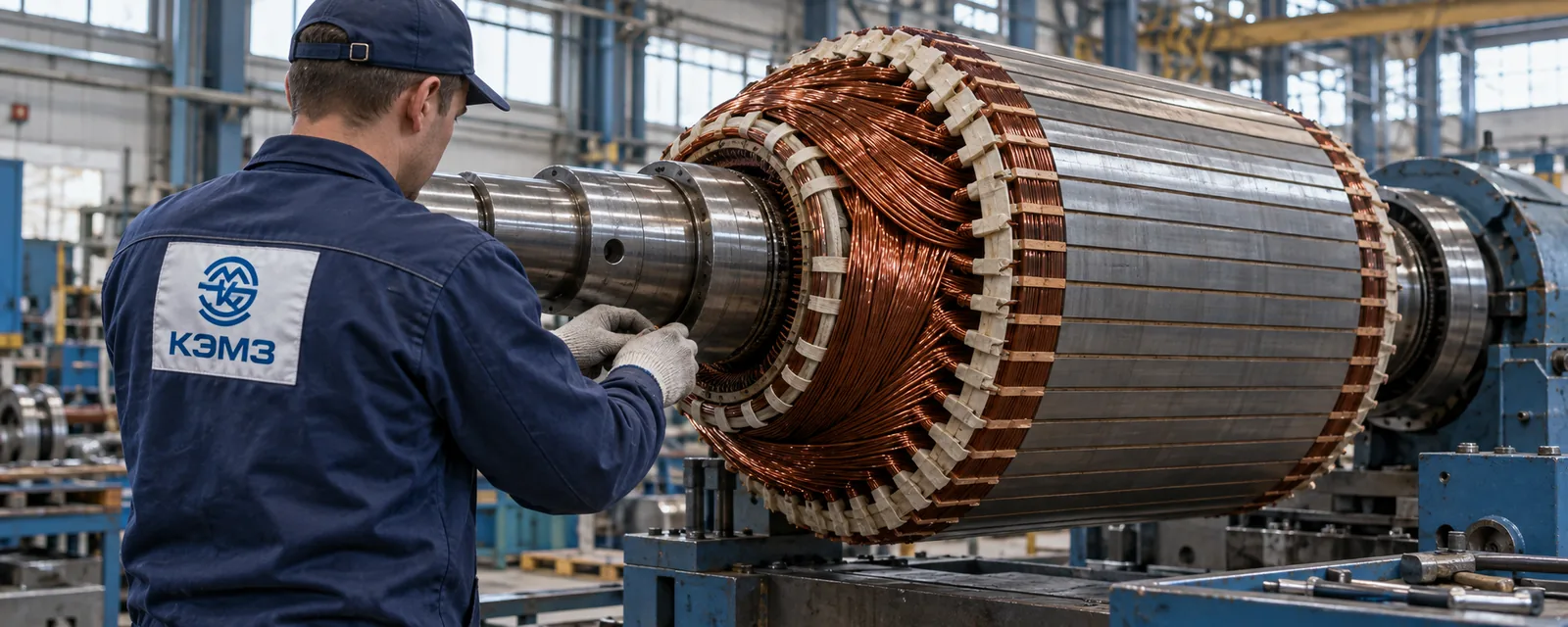
01 / Corporate website / industry
KEMZ Making complex manufacturing clear
I urgently rebuilt the factory website as a B2B sales tool: bold industrial design, an equipment catalog, technical inquiries, a CMS, and SEO — from concept to launch.
Explore case
02 / Before and after
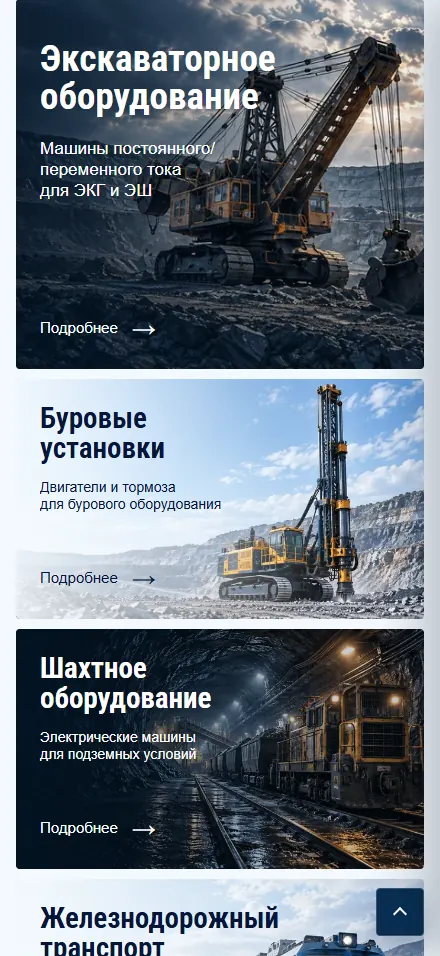
Strong manufacturing. A weak digital front door.
The former site had a side menu, rotating product banner, and long factory introduction. Engineers and buyers had to search for the right machine, its specifications, and a way to make a technical inquiry. I rebuilt the structure around those tasks.



03 / Context
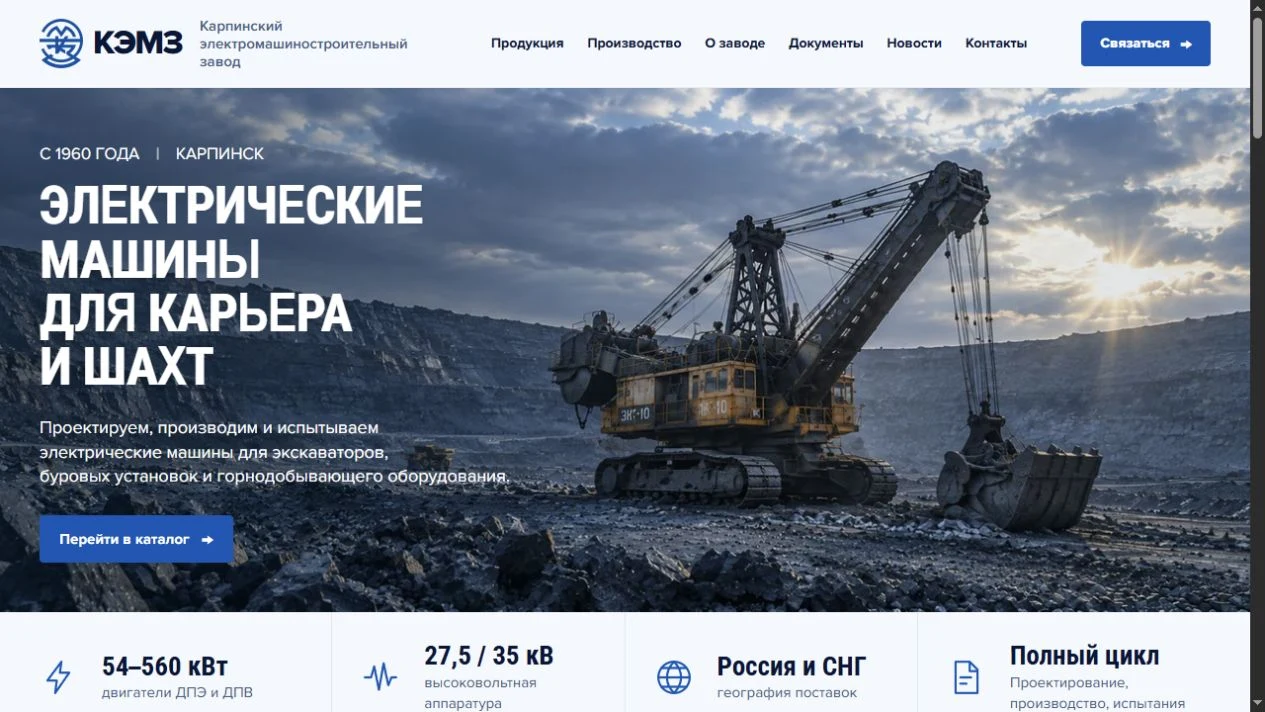
The site slowed the journey from equipment model to inquiry
According to the KEMZ team, the former site loaded slowly, converted too few relevant visitors, and gave product pages little search visibility. Forms let spam through, while some important inquiries failed to reach sales. This needed a fast, complete rebuild of the customer journey, not a cosmetic update.
- Slow mobile loading
- A confusing route to a model
- Spam and missed inquiries
- Weak search visibility
04 / Solution
From a factory problem to a working sales tool
Design concept, development, content, and deployment in one fast delivery.
Bold industrial design
I removed the old template's visual noise. Oversized type, quarry textures, signature blue, and real machinery convey the scale of production without obscuring technical details.
Catalog and CMS
I built the category-to-model journey and integrated OJ CMS on Payload for products, categories, news, documents and publishing states.
Inquiries without spam
I created a technical inquiry with equipment parameters, field validation, and spam protection, then routed requests to the right team.
Speed and search
I optimized loading, mobile experience, and Core Web Vitals, then prepared product-page structure, metadata, and a sitemap for search engines.
05 / Details
From catalog to technical inquiry
Engineers and buyers can start with a product category, inspect a model's specifications, and send the factory the requirements of their project. These are fragments of that interface.
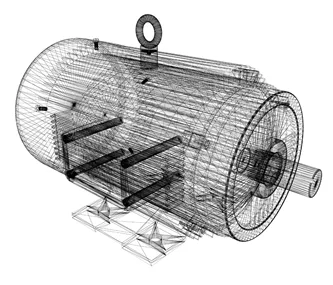
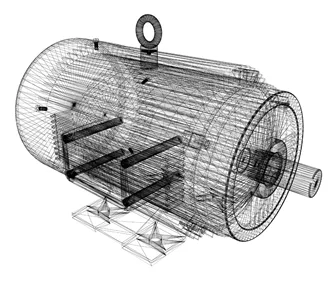
Описание и технические данные модели
Запросить подбор →06 / RESEARCH AND CONTENT
Understand the factory before speaking for it.
The old site did not explain enough about the company or its production. I studied KEMZ’s history, product range and teams before shaping the new site structure and copy.
Learn from the people behind production
I spoke with the CEO and people in marketing, production and sales to learn what customers need before they contact the factory.
Turn knowledge into useful pages
I helped write the copy and select imagery. The site gained useful company and production pages, alongside news the team can update.
Show scale without corporate filler
Imagery, structure and copy work together to show real machines, engineering expertise and a direct path to the right model and technical team.
07 / Behind the scenes
Built to work after launch
I planned not only the public pages, but also how the team updates the catalog, receives inquiries, and grows search visibility.
How I build catalog websites ↗Editing without a developer
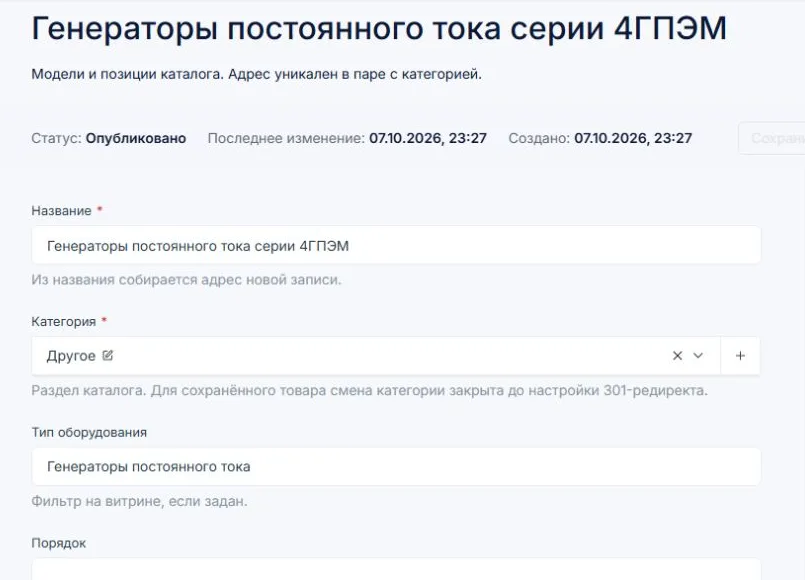
I adapted OJ CMS on Payload to the KEMZ catalog. The team edits products, categories, news and documents, with separate draft and publishing actions for product changes.
An inquiry with context
Form inquiries are saved in the CMS before email notifications are sent. Editors can view inquiries; administrators handle processing and deletion.
Pages for each product line
Categories and models have their own URLs, titles, and descriptions; the site also provides a sitemap, canonicals, and structured data.
OJ CMS / LIVE AT KEMZ
Catalog, inquiries and analytics in one dashboard
For the KEMZ website on Next.js and React, I integrated Payload and adapted OJ CMS to the factory’s workflows. These are actual implementation screens.
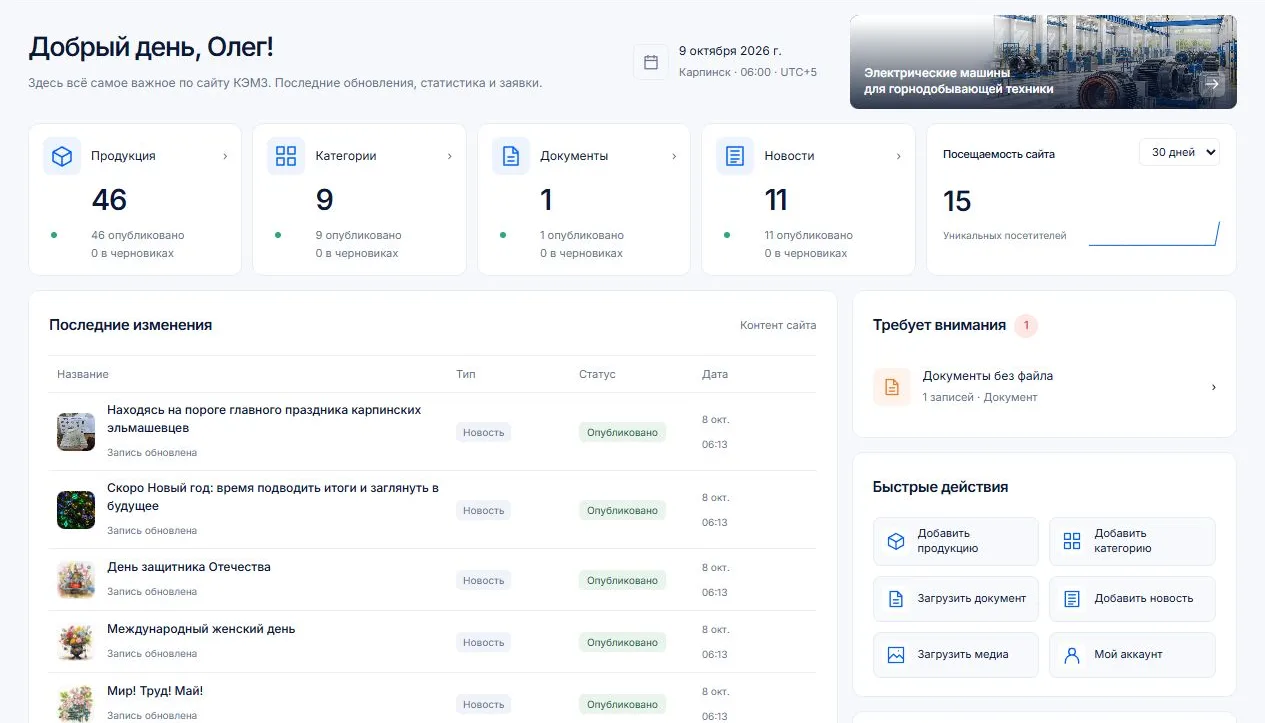
Content and catalog
Products, categories, news and documents live in OJ CMS, built on Payload. Content has publishing states, and product edits can be saved as drafts.
Inquiries in the CMS
Website inquiries are saved before an email notification is sent. Editors can view them; processing and deletion are reserved for administrators.
Analytics alongside content
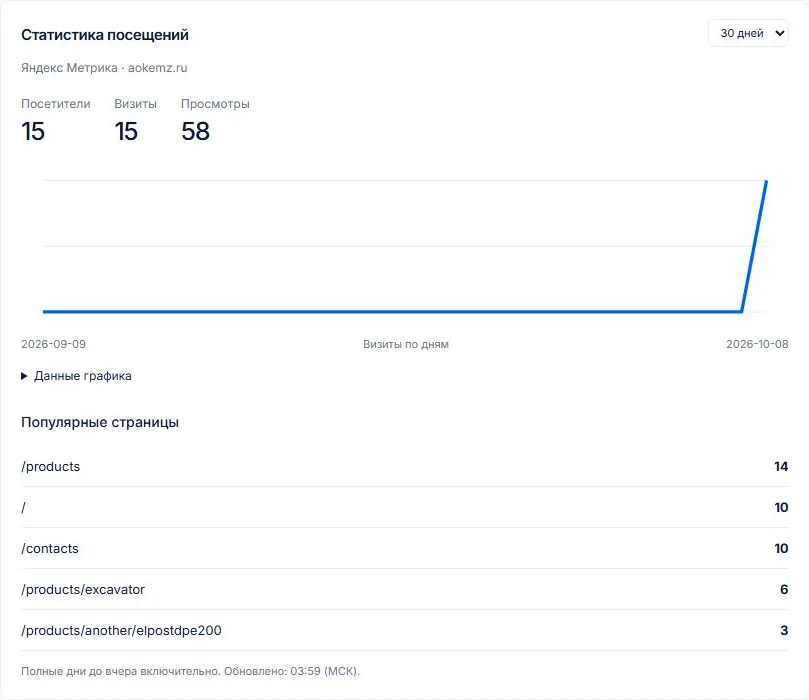
The Yandex Metrika API brings visitors, visits, page views and popular pages into the dashboard, with a selectable reporting period.
08 / A DETAIL THAT STILL WORKS
Even a dead end offers a way forward
I designed the 404 page in the factory’s visual language, with clear routes to the homepage and catalog. An old or mistyped link can still lead a visitor to equipment or an inquiry.
Open the 404 page ↗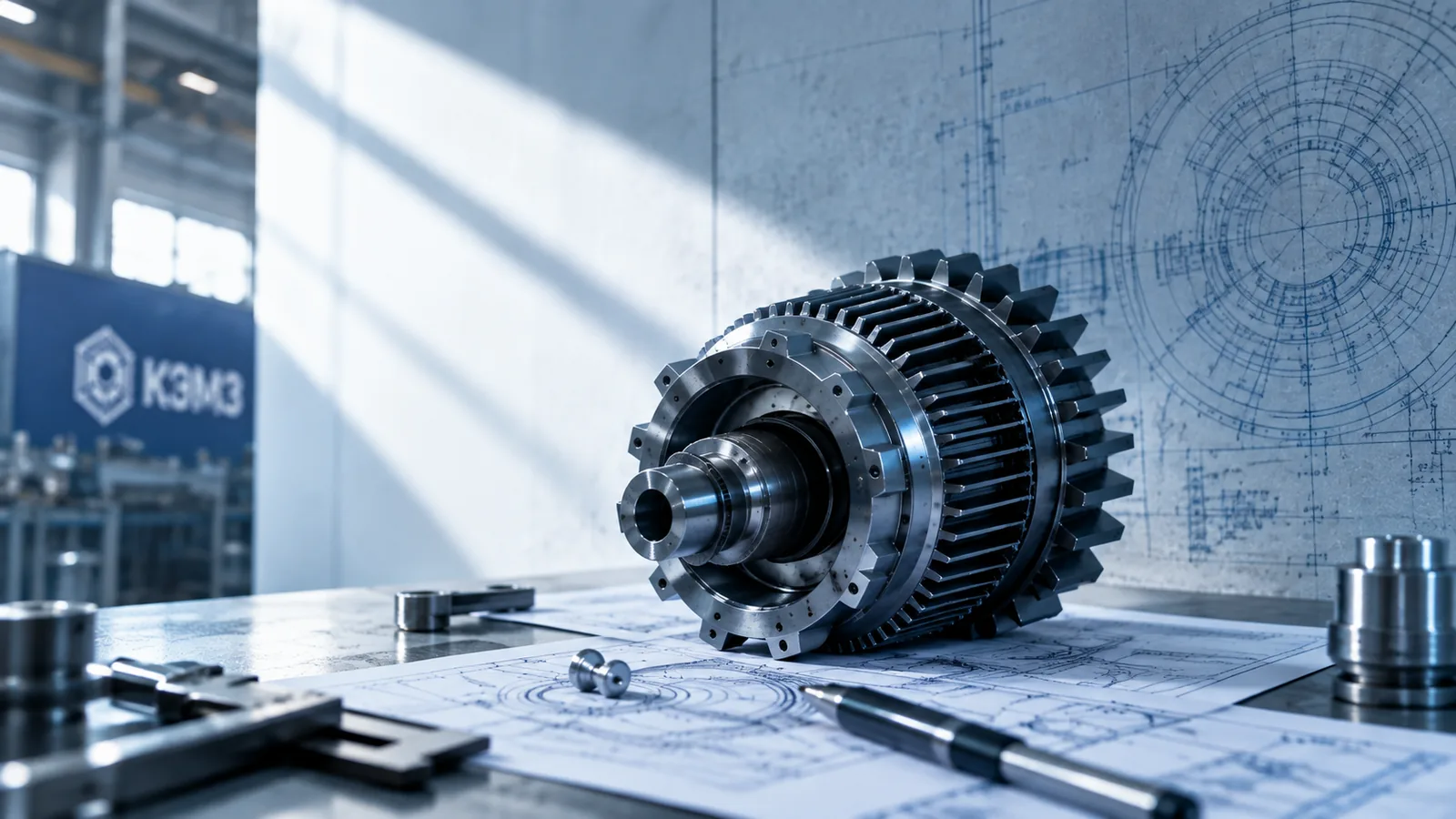
09 / Outcome
Faster. Clearer. Closer to an inquiry.
The website brings the catalog, technical inquiries and team workflows together in OJ CMS.
10 / Client feedback
“Thank you for the fast turnaround. The new site helps us present our equipment and receive more precise customer inquiries.”
Alexey P.Head of Marketing, KEMZ