
Industrial buyers rarely choose from a photograph alone. They may have a model code, a list of specifications, or a task without an exact product name. The catalog should help them verify an option and make a useful enquiry.
These are decisions from my work on the KEMZ website. This is a design account, not a claim that enquiries increased: that would require sales data.
01 / BUYER LANGUAGE
Start with procurement questions, not warehouse folders
Before designing KEMZ, I spoke with leadership, marketing, production and sales about the names customers use, the parameters they check and when they need a person. Those conversations shape the information architecture more reliably than a long, arbitrary “Products” menu.
One buyer starts with an equipment type, another with a model designation, a third with power or application. Category names, search synonyms and product-page fields should reflect those routes. Internal naming and buyer language do not always match.
02 / FIND
Support both categories and exact models
Categories serve buyers comparing options. Model-code search serves those who already know what they need. Filters help when they expose meaningful differences, such as power, voltage or configuration. Show units alongside values and make selected filters easy to remove on mobile too.
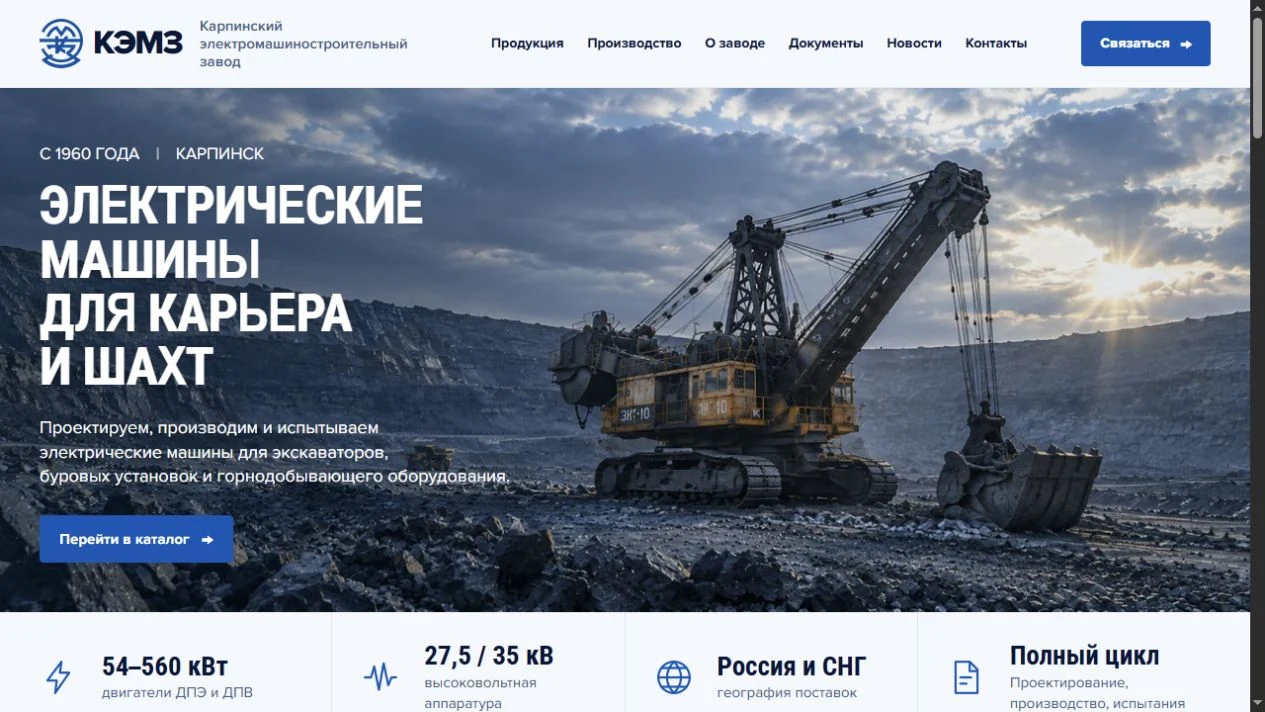
For KEMZ, we planned equipment sections, filters and individual model pages. Explore the KEMZ case ↗

03 / MODEL PAGE
Treat the model page as a technical document
Give each model an exact name, a clear purpose, verified specifications with units, useful images and documentation where available. Group parameters so a buyer can scan them against a requirement instead of reading a promotional paragraph.
Do not fill gaps with guesses. If a drawing, delivery estimate or price is unavailable, invite a specific request. For complex equipment, “Ask about this model” may be more useful than an artificial “Buy now”.
Important models need stable URLs and links from their categories. They become shareable from email and understandable to search engines. Google's URL guidance also explains the duplication risks of uncontrolled parameter URLs.
04 / ENQUIRY
Let the enquiry continue the selection
When someone requests a quote from a model page, the form should carry that model with it. The visitor can then describe the application or attach a brief if the workflow supports it. Asking them to type the model again or hunt for a sales email adds unnecessary work.
Form fields should match the sales process. For first contact, a reply channel and a useful question may be enough. Decide where enquiries go, who can access them and how long they remain stored before launch. For sites handling Russian personal data, see my 152-FZ checklist.
05 / OPERATIONS
Keep products editable and search pages useful
Product lines change. Editors need to add models, correct specifications, replace images and assign categories without code changes. KEMZ used Nuxt 3 and Contentful for its particular content structure. The CMS brand is less important than the fields and permissions it provides.
Search visibility also depends on accessible category and model pages, informative headings and internal links. Do not turn every filter combination into another near-duplicate indexable URL. A separate landing page makes sense when it answers a real buyer question with distinct information. No framework or URL rule guarantees a ranking.
06 / BEFORE LAUNCH
Test the route with a real task
- Find a model by exact designation and by category.
- Compare key specifications and clear filters on a phone.
- Open a model's direct URL without visiting the homepage.
- Send an enquiry and verify that the model and message reach the right person.
- Ask an editor to update a specification and check the published page.
If a step requires guesswork, the catalog needs more work. My approach to product catalogs ↗